Last Updated: April 10, 2026
If you’ve been hearing about IPTV lately and wondering what it actually is, here’s the short version: IPTV stands for Internet Protocol Television. It’s a way of delivering TV channels and video content over your internet connection instead of through a cable line or satellite dish. That’s it. The technology is the same concept that powers popular streaming platforms or YouTube, but adapted for live TV with hundreds or thousands of channels, just like what you get from a cable package. This guide explains what IPTV is, how it works under the hood (without getting too technical), what it can and can’t do, and whether it might be a good replacement for your current TV setup.
In This Guide
- 01.Quick Answer
- 02.The Simple Explanation: What Is IPTV?
- 03.How Does IPTV Actually Work?
- 04.What Do You Get With an IPTV Subscription?
- 05.IPTV vs Cable TV: The Main Differences
- 06.IPTV vs Streaming Services Like popular streaming platforms
- 07.What Devices Work With IPTV?
- 08.What Internet Speed Do You Need for IPTV?
- 09.Common Misconceptions About IPTV
- 10.How to Get Started With IPTV
- 11.Is IPTV Right for You?
- 12.How IPTV Compares to Other TV Delivery
- 13.The Bottom Line
Quick Answer
IPTV (Internet Protocol Television) delivers TV channels and video content over the internet instead of through traditional cable or satellite signals. You need a stable internet connection (25+ Mbps recommended), a compatible device (FireStick, Smart TV, phone, or PC), and an active IPTV subscription with M3U or Xtream Codes login credentials.
The fastest way to understand IPTV is to load a stream yourself. Test before you buy with a quick trial on any device you already own, then come back to the comparison sections below.
Keep reading for a complete breakdown of how IPTV works, what you need to get started, and how it compares to cable.
The Simple Explanation: What Is IPTV?
Traditionally, cable TV works by sending a continuous signal through a physical cable into your home. Every channel is broadcast simultaneously, your TV just tunes to the one you want. It’s been working that way since the 1950s, and it works fine, but it requires a lot of infrastructure and ties you to a fixed set of channels at a fixed price.
In contrast, IPTV is different. Instead of a cable, your TV channels arrive as data packets over your internet connection, the same way a website or a streaming video does. When you select a channel in an IPTV app, the app requests that specific stream from a server, and the server sends it to you in real time. You only receive the channel you’re watching, not every channel simultaneously.
Importantly, this matters because it gives IPTV a lot of flexibility that cable can’t match. The provider can offer thousands of channels without needing to broadcast all of them at once to every subscriber. You get live TV, on demand movies, and TV series all through one app, on any internet-connected device.
What Is IPTV and How Does It Work?
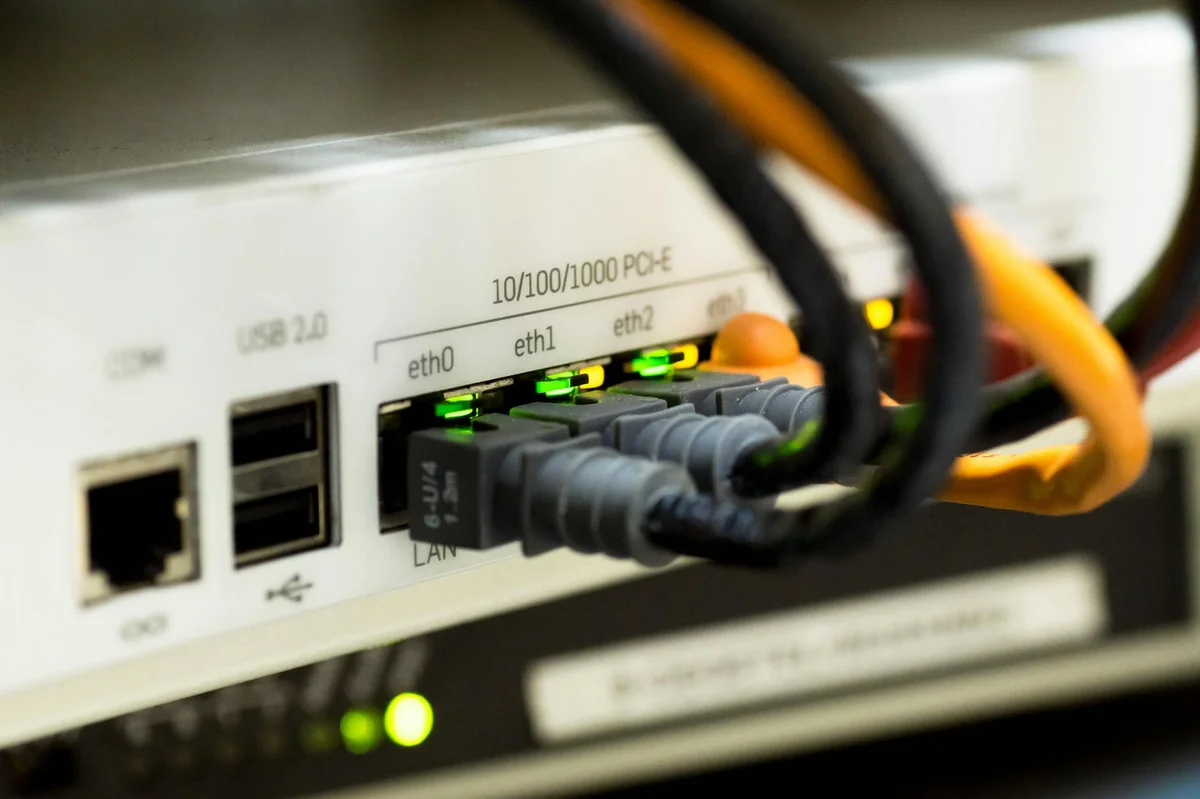
Additionally, here’s a slightly more detailed look, without going too deep into networking concepts.
Specifically, when you subscribe to an IPTV service, you get access to a media server (usually through login credentials or a playlist URL). That server stores or re-streams thousands of live channels in real time, along with a video-on demand library. When you open your IPTV app and tap a channel, your app sends a request to that server. The server responds by sending the video stream to your device in small data packets. Your device reassembles those packets and plays the video continuously as more packets arrive.
Technically, this process is called streaming, and it works exactly the same way popular streaming platforms delivers content, the difference is that IPTV includes live TV channels that update in real time rather than just pre-recorded content you can pause and rewind at will. Modern IPTV services like XtremeHD IPTV also include on demand libraries with 140,000+ titles alongside the live channels, so you get both in one place.
What Is IPTV Giving You in a Subscription?
Overall, a good IPTV subscription typically includes three things:
Live TV channels: These stream in real time, just like cable. Sports, news, entertainment, international channels, the count varies by provider, but premium services offer 10,000 to 20,000+ channels covering dozens of countries. XtremeHD IPTV, for example, includes 20,000+ live channels.
Video on demand (VOD): A library of movies and TV series you can watch any time, on demand. Think of it like popular streaming platforms content sitting alongside your live TV. Quality providers include 100,000+ titles with new additions regularly.
Electronic Programme Guide (EPG): This is the on-screen TV guide that shows what’s currently on and what’s coming up next. A good EPG makes IPTV feel like a full cable replacement rather than a tech experiment.
IPTV vs Cable TV: The Main Differences
Cable TV: Physical infrastructure, fixed channel packages, contracts, local channel focus, $80-150/mo average
IPTV: Internet delivery, flexible channel selection, no contracts typically, global channels, $15-30/mo average
Key difference: IPTV can offer international channels and massive VOD libraries that cable physically can’t deliver through its infrastructure.
For example, the average cable TV bill in the US is around $83 per month, and that’s before you add premium channels, DVR fees, or equipment rental. Check out our best IPTV service in the USA for more details. IPTV subscriptions typically run $15 to $30 per month for far more content. The cost difference is significant, which is one of the main reasons people are making the switch.
IPTV vs Streaming Services Like popular streaming platforms
However, this is where people sometimes get confused. popular streaming platforms, a major streaming library, and a popular streaming service are also streaming services, so how is IPTV different?
Clearly, the key difference is live TV. popular streaming platforms, a major streaming library, and similar platforms offer only on demand content. You pick something from their library and watch it whenever you want, but they don’t have live news, live sports, or real time channel broadcasting. If a match is happening right now and you want to watch it live, popular streaming platforms can’t help you.
Meanwhile, IPTV solves that, delivering live channels in real time, the same way cable does, while also including a VOD library. If live sports is your priority, our guide on IPTV for live sports fans covers the channels and apps that work best. So instead of paying separately for cable (live TV) and popular streaming platforms (on demand), you potentially get both from one IPTV subscription. That’s the appeal for people cutting the cord: fewer subscriptions, lower cost, more content.
What Devices Work With IPTV?
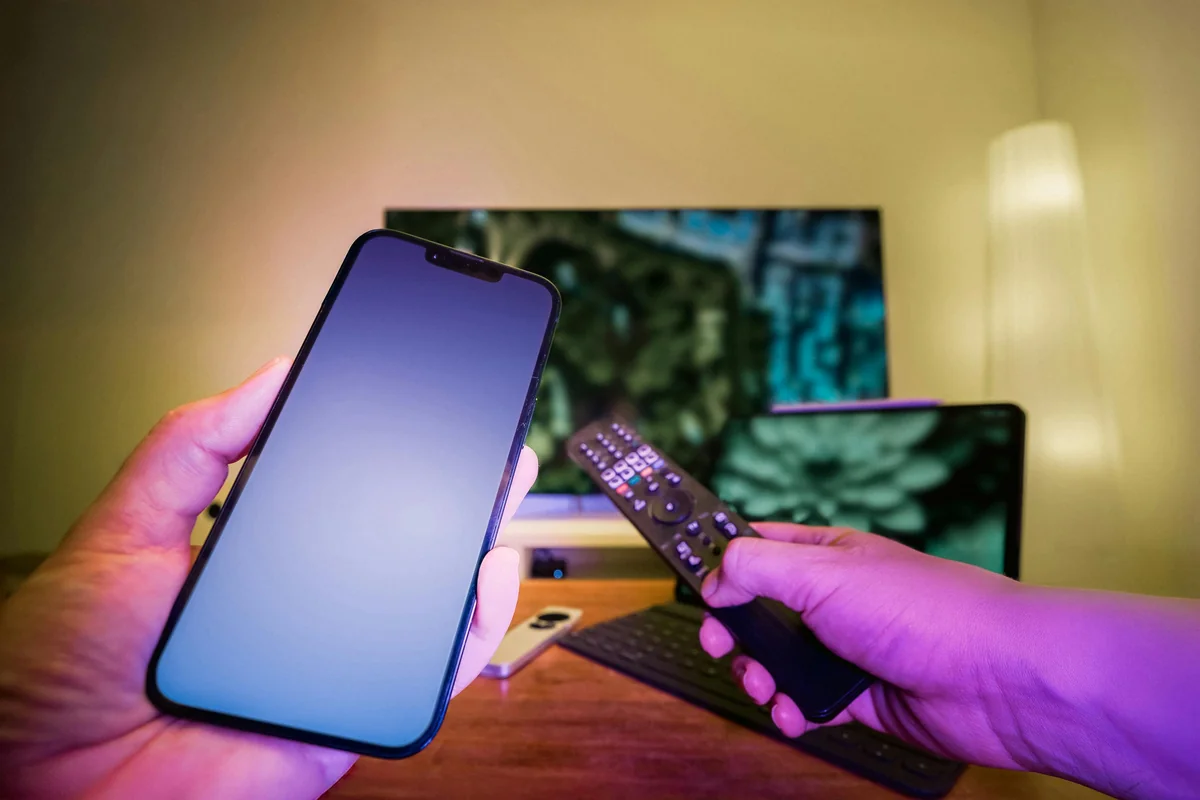
Notably, this is one of IPTV’s biggest advantages over cable: it works on almost anything with an internet connection and an app store.
Devices that support IPTV:
- Smart TVs: Samsung (Tizen), LG (webOS), Android TV, Hisense, most have IPTV apps available
- Streaming sticks and boxes: Amazon Fire TV Stick, Roku, Chromecast with Google TV, Nvidia Shield
- Apple devices: Apple’s streaming box (4th gen and newer), iPhone, iPad via IPTV Smarters or GSE IPTV
- Android devices: Phones, tablets, and Android TV boxes
- Windows and Mac computers: Via VLC, IPTV Smarters desktop app, or browser-based players
Generally, you can typically use your IPTV subscription on multiple devices, and some plans include two or three simultaneous connections so different people in the household can watch different things at the same time. Check the XtremeHD subscription page for multi connection plan options.
What Internet Speed Do You Need for IPTV?
In practice, IPTV puts a consistent load on your internet connection while you’re watching. The bandwidth you need depends on the stream quality:
- Standard definition (SD): around 5 Mbps
- High definition (HD 1080p): 10-15 Mbps
- 4K Ultra HD: 25 Mbps or more
Fortunately, most US home broadband easily exceeds these numbers. The more important factor is consistency, a connection that averages 50 Mbps but drops to 2 Mbps every few minutes will cause buffering. A wired ethernet connection is more reliable than WiFi for IPTV, though WiFi works fine on a strong signal.
Common Misconceptions About What IPTV Is
A few things that come up regularly when people are researching IPTV:
“IPTV is illegal.” The technology itself is completely legal. Streaming video over the internet is the same thing popular streaming platforms does. What can be illegal is subscribing to a service that redistributes copyrighted content without the rights to do so. Licensed IPTV providers that have acquired broadcast rights operate legally.
“IPTV requires special hardware.” It doesn’t. If you own a smartphone, smart TV, Fire Stick, or computer, you already have what you need. You just install an IPTV app.
“IPTV always buffers.” A well-run IPTV service on a decent internet connection streams just as smoothly as popular streaming platforms. Buffering usually points to either a slow connection or an underpowered provider with overloaded servers, not a problem with IPTV as a technology.
“You need a satellite dish or cable socket.” No physical installation required. Everything comes through your existing internet connection.
How to Get Started With IPTV
Getting started is simpler than most people expect:
- Choose an IPTV provider and subscribe to a plan (monthly plans let you test before committing)
- Receive your login credentials (usually by email within a few minutes)
- Download an IPTV app on your preferred device (IPTV Smarters, GSE IPTV, TiviMate, or VLC are popular choices)
- Enter your credentials in the app
- Browse channels and start watching
The whole process typically takes 10-15 minutes from subscribing to watching your first channel. XtremeHD IPTV’s plans start at $25 per month with 20,000+ channels and 140,000+ VOD titles. The 1 month IPTV plan at $25 is the easiest way to test the service before committing to anything longer. There’s no contract, so you can start with one month and see how it works on your setup.
What Is IPTV, and Is It Right for You?
IPTV is a good fit if you want more flexibility than cable, more live channels than standalone streaming services, or access to international content that isn’t available in your region. It’s also worth considering if your cable bill has crept up to $100+ per month, the savings add up quickly.
It’s less ideal if you have a slow or unreliable internet connection, since IPTV depends on consistent bandwidth in a way that cable doesn’t. If your broadband is solid, though, most people who switch don’t go back.
How IPTV Compares to Other TV Delivery
IPTV isn’t the only way a signal reaches your screen. Here’s how it stacks up against the other three main delivery methods.
| Method | How It’s Delivered | Needs Cable Line? | Example |
|---|---|---|---|
| Traditional broadcast | RF / coax signal | Yes | traditional cable providers, traditional cable providers |
| Satellite | Dish + receiver | No | traditional TV providers, Dish |
| OTT streaming | Open internet | No | popular streaming platforms, a popular streaming service |
| IPTV | Managed IP network | No | XtremeHD IPTV |
Frequently Asked Questions About IPTV
Q.What does IPTV stand for?
IPTV stands for Internet Protocol Television. “Internet Protocol” refers to the communication system used to send data over the internet, the same technology that powers websites and streaming video.
Q.Do I need a smart TV to use IPTV?
Not necessarily. You can use IPTV on any internet-connected device: smartphones, tablets, computers, Fire TV Sticks, Apple’s streaming box, Chromecast, and Android TV boxes. A smart TV makes it more convenient, but it’s not a requirement.
Q.How is IPTV different from regular streaming?
Regular streaming services like popular streaming platforms offer on demand content only. IPTV adds live TV channels that broadcast in real time, more like cable, alongside an on demand library.
Q.Can IPTV replace my cable subscription?
For most people, yes. A good IPTV service covers local news, sports, entertainment, and international channels, everything most cable subscribers actually watch. The main thing IPTV lacks is exclusive cable-network originals tied to specific distributors.
Q.Is IPTV the same as a VPN?
No, these are completely different things. IPTV is a content delivery method. A VPN is a privacy tool that routes your internet traffic through a server in another location. Some people use a VPN alongside IPTV for privacy or to access geo-restricted content, but they’re separate services.
Q.Can I record shows with IPTV?
Some IPTV apps support recording to local storage (an attached USB drive, for example). This isn’t built into IPTV as a standard feature the way DVR is on cable, but apps like TiviMate on Android TV support it.
Q.What happens if my internet goes down?
If your internet connection drops, your IPTV stream will stop until it’s restored. This is a meaningful difference from cable, which continues to work during an internet outage. If reliable access to local news during outages is important to you, keeping a backup antenna for local broadcast channels is worth considering.
Q.How many channels can IPTV include?
It varies by provider. Smaller services might offer 5,000-10,000 channels. Premium services like XtremeHD IPTV offer 20,000+ channels covering entertainment, sports, news, and international content from dozens of countries.
Q.Does IPTV work outside my home country?
Generally yes: IPTV streams over the internet, so you can use it anywhere with a connection. Some geo-restrictions may apply to certain channels. Using a VPN can help access content from your home country when traveling.
Q.What’s an M3U file and do I need one?
An M3U file (or M3U URL) is a playlist format that lists all your IPTV channels. Some providers give you an M3U URL to paste into an app. Others use Xtream Codes, which is a login-based system that’s generally easier. Either works: Xtream Codes is more convenient for most users.
The Bottom Line
IPTV is cable TV delivered over the internet. It’s not complicated, it’s not experimental, and it’s not a replacement for popular streaming platforms (it’s more like an alternative to cable that also happens to include a popular streaming platforms-style VOD library). The technology is mature, the apps are easy to use, and the cost is substantially lower than traditional cable. If you’re considering an IPTV service, make sure to verify you’re on the official XtremeHD site before subscribing.
If you’re ready to try it, XtremeHD IPTV offers plans starting at $25/month with no contracts. Twenty minutes from now you could have 20,000+ channels running on your TV.