Last Updated: April 25, 2026
If you’re shopping for an IPTV player in the US, you’ve probably realized there are dozens of apps promising the same thing. A lot of them look identical on the surface. They aren’t. We’ve tested every app on this list against XtremeHD IPTV over the last few weeks, on Firestick 4K Max, a Chromecast with Google TV, an iPhone 14, and a Windows 11 laptop. The picks below reflect real performance, not screenshots from a spec sheet. If you are still weighing IPTV against traditional streaming, our comparison of US IPTV streaming services walks through that decision first.
How we picked these 10 IPTV apps
Our criteria were deliberately narrow. Channel quality, EPG (electronic program guide) accuracy, buffering under real US home internet speeds, and platform coverage all mattered. Price came last because the price gap between “free” and “premium” apps is rarely more than a few dollars a year, and a premium app that actually works beats a free one that quits every 20 minutes.
We also avoided apps that force sideloading on every install, apps with a reputation for shady in-app purchases, and anything that requires disabling Android’s security settings permanently. Life is too short to troubleshoot other people’s bad UX.
TiviMate: best overall for Android TV and Firestick
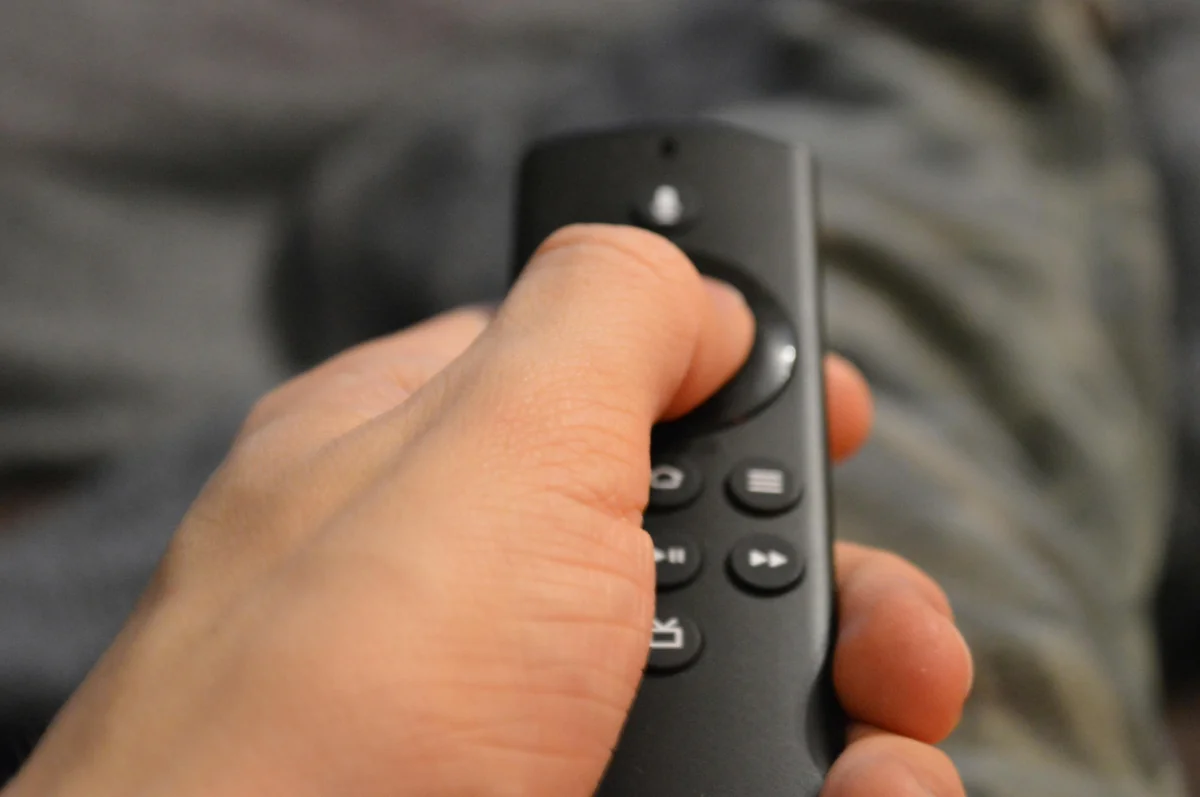
TiviMate is what we install first on any Android TV box or Firestick. The EPG is genuinely the best in the category: channel logos render cleanly, program data syncs quickly, and the 7-day grid is easy to navigate with a remote. Picture-in-picture works, DVR (if your provider supports it) is reliable, and the interface doesn’t feel like it was designed in 2012.
Free vs Premium. The free tier covers most viewers: one playlist, full EPG, standard playback. Premium costs about $10 per year and unlocks multiple playlists, DVR, catch-up TV, and chromecast support. For a yearly IPTV buyer, that’s a rounding error.
Where it’s weak. TiviMate is Android-only. No iOS, no desktop, no web player. If your household watches on mixed hardware, you’ll pair it with something else.
Our rating: 9.5/10 for Android TV and Firestick users.
IPTV Smarters Pro: best for iPhone, iPad, and cross-platform setups
IPTV Smarters Pro is the app most IPTV providers recommend, and for good reason. It runs on iOS, Android, Windows, Mac, Firestick, and Android TV, all from the same codebase. The UI isn’t as polished as TiviMate, but it works, and it works everywhere. If you have an iPhone, an iPad, and a Firestick in the same house, Smarters Pro lets you use the same login across all of them.
Xtream Codes support is the killer feature. Paste in the username, password, and portal URL from your provider, and the app pulls live TV, movies, series, and EPG automatically. No M3U editing, no playlist wrangling.
Where it’s weak. On iOS, the free version sometimes shows ads before channels load. The Lite version strips those. DVR support is limited compared to TiviMate.
Our rating: 9/10 for iPhone and iPad, 8/10 on Android TV (TiviMate edges it out there).
XCIPTV: power-user favorite on Android
XCIPTV is what you install when TiviMate’s polish starts feeling too simple. It has a steeper learning curve, more menus, and more customization. Catch-up TV, multi-screen viewing, external player support, and granular EPG tuning are all here. We’d recommend it only if you already know your way around IPTV apps.
Our rating: 8/10 for advanced Android viewers.
OTT Navigator: great EPG, polished UI
OTT Navigator is the underdog of Android TV IPTV apps. The EPG layout is arguably cleaner than TiviMate’s, and multi-EPG (combining sources) is a feature TiviMate doesn’t do. It ships with built-in archive/catch-up support and handles HEVC (H.265) streams without extra setup.
Where it’s weak. Smaller user base means fewer tutorial videos on YouTube. If you hit a bug, the community forums are quieter. But for viewers who want an alternative to TiviMate without going full XCIPTV, this is our pick.
Our rating: 8.5/10 on Android TV.
GSE Smart IPTV: veteran app, solid iOS fallback
GSE Smart IPTV has been around long enough to see three generations of iPhone. It’s on the App Store, runs well, and supports M3U, Xtream, and EPG. The interface is dated compared to Smarters Pro, and the free tier pushes ads aggressively, but the premium tier (a one-time purchase) removes them.
Our rating: 7.5/10 on iOS (Smarters Pro is still our top iOS pick).
iMPlayer: strong cross-platform option
iMPlayer runs on Android, iOS, Windows, and Mac. It’s paid (one-time purchase, around $10), no free tier, and the UI is one of the cleanest in the category. If you want something that feels purpose-built for IPTV rather than a retrofitted video player, iMPlayer is it.
Where it’s weak. The one-time fee puts it behind TiviMate on Android TV (where TiviMate Premium is cheaper long-term for casual viewers) and behind Smarters Pro on iOS (where Smarters has a free tier). But it’s a legitimate alternative to either.
Our rating: 8/10 across platforms.
Perfect Player: old-school Android favorite
Perfect Player is showing its age, but it still handles M3U and Xtream Codes without fuss. The UI is minimal (some would say bare), the EPG is functional but not pretty, and there’s no iOS version. We mention it because longtime Android IPTV users swear by it, and it’s usually lighter on system resources than fancier apps.
Our rating: 7/10.
Kodi with PVR IPTV Simple Client: for the tinkerers
Kodi is technically a media center, not an IPTV app, but the PVR IPTV Simple Client add-on turns it into one. The learning curve is real. The payoff is that Kodi runs on everything: Firestick, Android, Windows, Mac, Linux, Raspberry Pi, LG webOS via sideload, and Xbox. If you’re already a Kodi user, adding IPTV is a 15-minute job. If you’re not, start with TiviMate instead.
Our rating: 8/10 if you already use Kodi, 6/10 if you don’t.
Stremio: hybrid streaming and IPTV
Stremio started life as an on-demand streaming hub and added IPTV via community add-ons. The IPTV experience isn’t as native as a dedicated player (EPG handling is basic, for example), but if you’re already using Stremio for your media library, it can double as a light IPTV viewer. Not our first choice, but worth knowing about.
Our rating: 6.5/10 for IPTV use, 8.5/10 for what Stremio is actually designed for.
VLC Media Player: the emergency backup
VLC isn’t an IPTV app. It’s a video player that can open an M3U URL and play live TV as a single stream. No EPG, no channel list, no favorites. But when your main IPTV app crashes and you need to watch the game in 30 seconds, paste the channel URL into VLC and you’re good. Every US viewer should have it installed as a safety net.
Our rating: As a dedicated IPTV app, 4/10. As an emergency backup, 10/10.
IPTV app comparison table (all 10 side-by-side)
| App | Platforms | EPG Quality | Price | Our Rating |
|---|---|---|---|---|
| TiviMate | Android TV, Firestick | Best in class | Free or $10/yr | 9.5 |
| IPTV Smarters Pro | iOS, Android, Win, Mac, Firestick | Very good | Free (lite ads) or one-time | 9.0 |
| XCIPTV | Android, Firestick | Good, deep config | Free | 8.0 |
| OTT Navigator | Android TV, Firestick | Excellent | Free with trial, then paid | 8.5 |
| GSE Smart IPTV | iOS, Android | Adequate | Free or one-time paid | 7.5 |
| iMPlayer | iOS, Android, Win, Mac | Very good | One-time ~$10 | 8.0 |
| Perfect Player | Android | Basic but stable | Free | 7.0 |
| Kodi + PVR IPTV Simple | Everything | Decent, setup-dependent | Free | 8.0 (if you already use Kodi) |
| Stremio | iOS, Android, Win, Mac | Basic via add-on | Free | 6.5 |
| VLC | Everything | None (single stream only) | Free | 4 (10 as backup) |
How to get these apps working with XtremeHD IPTV
All 10 apps work with XtremeHD IPTV. The setup flow is almost identical across them:
- Install the app from the Play Store, App Store, or Amazon Appstore.
- Open the app and look for “Add Playlist,” “Add Source,” or “Login.”
- Choose Xtream Codes (preferred) or M3U URL if Xtream isn’t an option.
- Enter the credentials we send you on WhatsApp after your order.
- Let the app load the channel list and EPG (usually 30 seconds to 2 minutes).
- Start watching.
We have dedicated setup guides for the most common pairings: Firestick setup, Android TV install, TiviMate setup guide, and IPTV Smarters Pro setup. If your device or app combination isn’t listed, message us on WhatsApp and we’ll walk you through it.
/xmltv.php. Most providers (including us) use this convention. If that doesn’t work, the EPG link is usually in your welcome message.IPTV apps we’d avoid in 2026
A few apps get heavily promoted on Reddit and forums but don’t hold up under real-world testing. We won’t name names (they change weekly anyway), but watch for these red flags:
- App asks you to disable all Android security warnings during install.
- App has no presence on the Play Store or App Store.
- App requires paying the app developer separately from your IPTV provider subscription.
- App bundles channel access itself (a legitimate IPTV app never sells channels).
- App reviews on the store are almost all 1-star or 5-star, with nothing in the middle.
If you ever land on a clone site that looks like ours, verify you are on our official site at xtremehdiptv.tech before entering any login credentials.
Frequently asked questions
FAQ
Which IPTV app is truly the best for Firestick in 2026?
TiviMate, for almost every viewer. It’s faster, the EPG is cleaner, and the remote navigation feels right. IPTV Smarters Pro is a close second if you want the same app on iPhone too.
Do I need to pay for an IPTV app if I already pay for XtremeHD IPTV?
No. Your XtremeHD IPTV subscription gives you the channels. The app is just the player. Most of the apps on this list have a free tier that works. TiviMate Premium or iMPlayer’s one-time purchase are optional upgrades for nicer features, not requirements.
Can I use the same subscription on my phone and my TV?
Yes, within the connection limit on your plan. XtremeHD IPTV’s base plan includes 1 connection. The 2-connection and 3-connection yearly plans exist specifically for households with multiple devices. Solo viewers usually pick the best value annual plan. See our iptv subscription usa plans for the breakdown.
What’s the difference between M3U and Xtream Codes?
M3U is a plain playlist file with channel URLs. Xtream Codes is a login system (username, password, portal URL) that loads live TV, movies, series, and EPG in one go. Xtream is easier and more complete. Use it whenever the app supports it.
Which IPTV app works best on iPhone?
IPTV Smarters Pro. It’s on the App Store, supports Xtream Codes, and the iOS version is actively updated. iMPlayer is a solid paid alternative. GSE Smart IPTV works but feels dated.
Do any of these apps work on LG or Samsung Smart TVs without a Firestick?
A few (like IPTV Smarters Pro) have native Smart TV versions. Install through the TV’s app store. The experience is usually a step behind the Firestick version though, because TV app stores update more slowly. If you already own a TV, try it first; if the app crashes or feels sluggish, adding a Firestick 4K for $40 is the usual fix. Our Samsung Smart TV setup guide and LG TV setup guide cover both paths.
Is there a totally free IPTV app with no ads?
TiviMate’s free tier has no ads and no time limits. XCIPTV is free. Perfect Player is free. All three are legitimate choices if you want zero money out the door. Just remember: the app is only one half. You still need a subscription for channels, which is separate.
Want to skip the research and just try it? Our monthly, quarterly, and annual plans all include 20,000+ channels, 4K streams where available, and activation on the same day you order. We handle every order with cash on delivery, then activate your line over WhatsApp. No card up front, no contract, full refund within 72 hours if the service does not work.
Questions we didn’t cover? Reach us on WhatsApp. We answer setup questions 24/7. If you’re ready to pick a plan, see our iptv subscription usa plans. Pay on delivery, try before you pay, and cancel within 72 hours if it does not work for you. Further reading: Wikipedia’s IPTV overview.