
Updated April 25, 2026
Bottom Line
A real IPTV 4K subscription delivers 3840 by 2160 video at a minimum bitrate of 15 Mbps per stream, on a US served line, to a 4K capable device. Most providers advertise 4K but downscale to 1080p once you log in. We test every channel group XtremeHD IPTV ships in the US and document what is genuinely 4K, what is 1080p upscaled, and what your home internet needs to actually pull it off.
What an IPTV 4K subscription actually means
The term “4K” gets thrown at every IPTV plan on the market because it sells. The honest definition is simple: 4K means a picture resolution of 3840 by 2160 pixels, which is four times the pixels of 1080p. To deliver that to your TV in motion, the stream has to carry roughly 15 to 25 Mbps of video data, encoded with H.265 (HEVC) or AV1, on a server that is healthy enough to keep up during peak hours.
If any of those pieces is missing, the picture might say 4K in the player but is in fact 1080p with a high resolution label. We see this constantly when we test competitor lines. A genuine IPTV 4K subscription should let you confirm 4K through the player’s stream info readout.
How we test whether a stream is real 4K
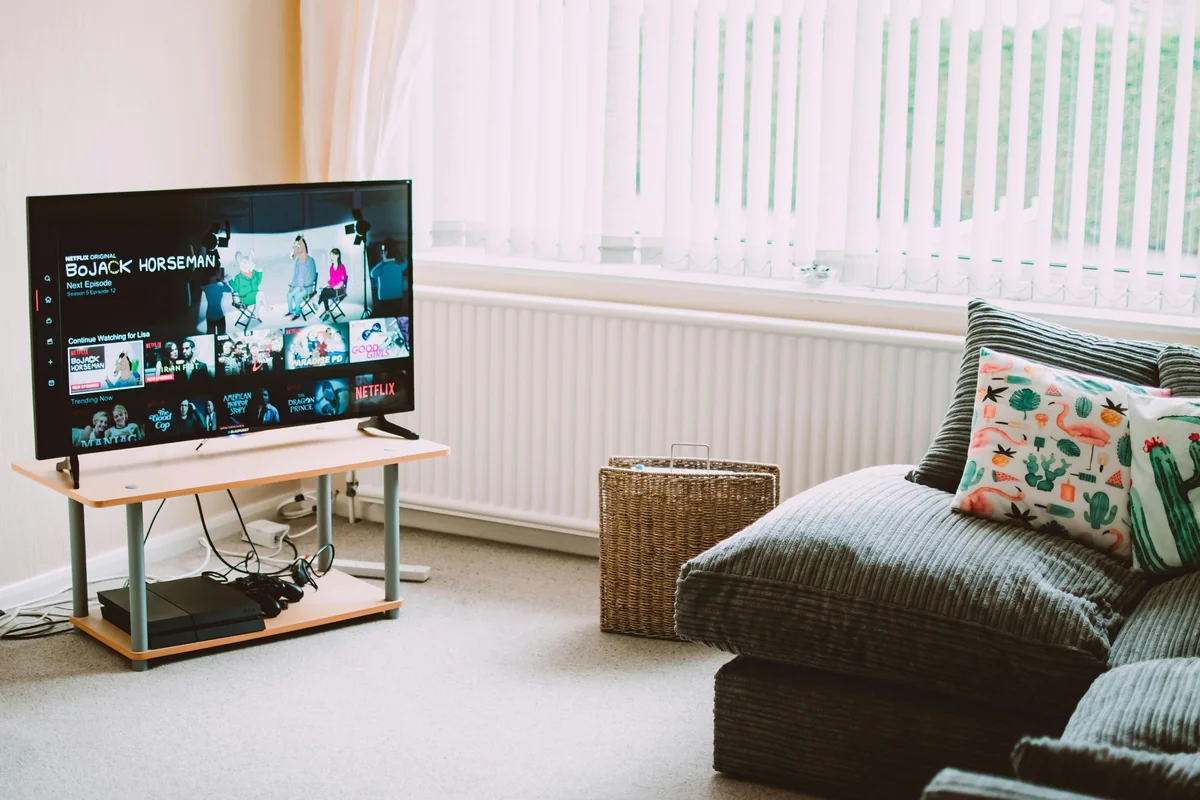
Anyone selling an IPTV 4K subscription should be able to tell you exactly what their 4K coverage looks like. Here is the test we run on our own lines and that you can run on any provider’s trial.
- Open the player (TiviMate, IPTV Smarters Pro) and navigate to a channel marked 4K or UHD.
- Press the info button or open stream details. Look at the resolution: 3840×2160 is real 4K. Anything ending in 1080 is full HD, not 4K.
- Look at the bitrate: under 10 Mbps is upscaled, 15 Mbps is decent 4K, 20 to 25 Mbps is the cinematic tier.
- Watch for 30 seconds. If the picture stutters or pixelates during action, the server is not keeping up with the encoding tier it is serving.
- Switch to another 4K channel. A good IPTV 4K subscription has multiple channels at full resolution, not just one demo channel.
What internet speed you need for a 4K IPTV subscription
This is where most US households underestimate the requirements. 4K IPTV is different from on demand 4K from a mainstream streaming app. Live IPTV streams cannot adaptively downshift the way on demand video can, so you need consistent headroom.
- Single 4K stream: 25 Mbps sustained, 35 Mbps recommended.
- Two 4K streams (multi room): 60 Mbps sustained, 80 Mbps recommended.
- Three 4K streams plus normal household internet use: 100 Mbps sustained on a wired backbone.
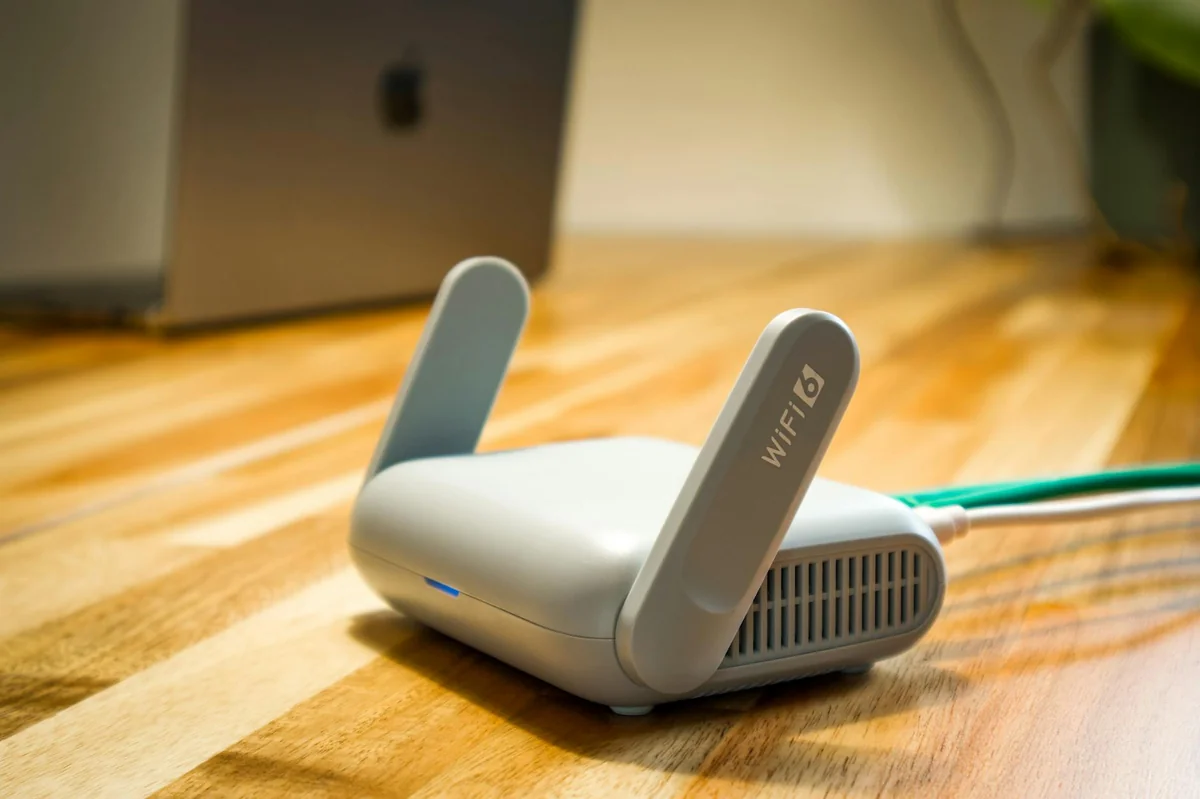
Wi Fi rarely sustains 4K cleanly during peak evening hours unless your router is on Wi Fi 6 or 6E and the device is in the same room. For TV room setups we strongly recommend an Ethernet cable. If you are not sure what your line can handle, our internet speed for IPTV walkthrough covers what to test and how to read the result.
Devices that actually output 4K from an IPTV stream
A 4K subscription is wasted if the device cannot pass 4K through HDMI. The short list of devices that handle 4K IPTV cleanly:
- Amazon Firestick 4K Max: the most common 4K IPTV device in US homes.
- Apple TV 4K (3rd gen): the premium pick. Tone mapping and HDR pass through are the cleanest in the category.
- NVIDIA Shield TV Pro: the enthusiast pick, especially for Plex plus IPTV households.
- Samsung 2020 or newer 4K Smart TVs: direct app install if the model allows it.
- LG OLEDs from 2019 onward: native webOS app support for IPTV players.
Older Firestick HD, Roku Express, and 1080p only smart TVs cannot output 4K even if the stream itself is 4K. The TV downscales to 1080p before display. If you need device guidance for your living room, our best IPTV app comparison covers which player to pair with which device.
What channels are usually genuinely 4K on a US IPTV plan
Real talk: not every channel is 4K, and pretending otherwise is how scam providers sell upsells. Here is what is realistically 4K on a well stocked US IPTV plan in 2026:
- A handful of nature and entertainment showcase channels at full 3840×2160.
- Premium movie and series channels at 4K HDR for current releases.
- Some sports broadcasts at 4K during marquee events; most live games are still 1080p because the broadcast feed itself is 1080p.
- Most general entertainment channels at 1080p, which still looks great on a 4K TV with a clean line.
- News and local channels mostly at 720p to 1080p.
If a provider claims “all 20,000 channels in 4K,” they are lying. The broadcasters do not produce 4K feeds for most channels yet. Pick a provider that tells you which channels are 4K and which are 1080p, and you will save yourself a frustrating subscription. We list this transparently across our IPTV subscription plans.
Is a 4K IPTV subscription worth the upgrade in 2026
For most US households the answer is yes, with two conditions: your TV is at least 55 inches and your internet line can sustain the bitrate. On a 43 inch TV at normal viewing distance, the difference between 1080p and 4K is borderline invisible. On a 65 inch TV at 8 feet, 4K looks dramatically sharper, especially for sports and movie nights.
The pricing math is also friendly. The 12 month plan from XtremeHD IPTV runs $80, which is roughly $6.67 per month for thousands of channels including the 4K tiers. That is less than a single month of cable, and the picture quality on the 4K subset is the same as or better than what cable delivers. For a closer look at why we think IPTV beats cable for 4K curious households, see our IPTV vs cable TV breakdown.
Warning signs of a fake 4K IPTV subscription
Before you pay for any IPTV 4K subscription, walk through this checklist. If even one red flag shows up, walk away.
- The provider cannot list which channels are actually 4K.
- The free trial channels are 720p or 1080p, with a “real 4K becomes available after payment” line.
- The customer support refuses a video screenshot of the player’s stream info readout.
- The plan claims to deliver 4K on a 5 Mbps line. This is mathematically impossible for live streams.
- There is no refund window. Real providers stand behind their picture quality. Our 72 hour refund policy is one example of how a serious US provider handles this.
HDR, Dolby Vision, and what they mean for IPTV 4K
Resolution is only half the picture. The other half is dynamic range. A 4K stream without HDR can look flat compared to a 1080p stream with HDR on a high end TV. Here is the quick decoder ring.
- HDR10: the baseline. Most modern 4K TVs support it. Most IPTV 4K channels that ship HDR ship HDR10.
- HDR10+: dynamic metadata, used mainly by Samsung TVs. IPTV support is rare but growing.
- Dolby Vision: the premium tier. LG OLEDs, Sony TVs, Apple TV 4K, and the Firestick 4K Max all decode it. IPTV channels that ship Dolby Vision are mainly premium movie channels.
- HLG (Hybrid Log Gamma): the broadcast standard for live TV HDR, used by some sports broadcasts.
If your TV supports Dolby Vision, prefer a player and a device that pass it through unmodified. The picture quality jump from HDR10 to Dolby Vision on a properly calibrated OLED is the closest thing to a free upgrade in home entertainment.
H.265 versus H.264: why your bitrate budget matters
The codec the IPTV provider uses determines how much data the stream needs for the same picture quality. The two relevant codecs in 2026 are H.264 (the legacy standard) and H.265 (HEVC, the modern standard).
- H.264: needs about 25 Mbps for clean 4K. Older devices like a 2018 Firestick HD only decode H.264 cleanly.
- H.265 (HEVC): needs about 15 Mbps for the same clean 4K. Almost every device released in 2020 or later decodes H.265 in hardware.
- AV1: the newest codec. Even more efficient than H.265, but device support is still uneven. Apple TV 4K (3rd gen) and the latest NVIDIA Shield decode AV1 in hardware.
A 4K IPTV provider that only ships H.264 is wasting your bandwidth. Look for HEVC support on the 4K channel set. We document our codec stack in the player stream info readout, so you can verify before you commit. For more on what your line needs, our IPTV vs streaming services breakdown walks through bitrate per resolution tables.
How 4K IPTV subscriptions are priced in the US market
Pricing for 4K IPTV varies wildly because the term itself is loose. Three honest tiers exist in the US market right now.
- Budget tier ($5 to $15 per month): usually H.264 at 1080p with a 4K label on a few demo channels. Avoid for cord cutters who actually want 4K daily.
- Mid tier ($15 to $30 per month): a real 4K subset (typically 30 to 200 channels) plus a strong 1080p library. This is where XtremeHD IPTV’s monthly plan ($25) lives.
- Premium tier ($30 to $50 per month): larger 4K HDR catalogs and Dolby Vision support. Mostly built around dedicated 4K boxes and white label service contracts.
The smartest move for most households is the mid tier on a yearly plan. Our 12 month plan at $80 averages $6.67 per month, which buys a 4K capable line with US served channels and a 72 hour refund window. Compare it to the equivalent cable 4K package and the savings are obvious. For more pricing math, see our IPTV subscription plans.
A 7 day trial test plan for any IPTV 4K subscription
Before you commit to a year, run this 7 day test. It catches every issue we see in customer support tickets.
- Day 1: verify resolution on your top 5 channels using the player’s stream info.
- Day 2: stress test during evening peak (7 to 10 PM local). This is when bad servers fail.
- Day 3: run two concurrent streams in different rooms. Confirm both stay at 4K if your plan allows it.
- Day 4: watch a full live game on a sports channel. Sports are the hardest stream to ship cleanly.
- Day 5: test channel zapping (10 channels in 60 seconds). Weak servers stutter on rapid switching.
- Day 6: log in from a different device. Confirm the multi device flow works.
- Day 7: if every test passed, you have a r
XtremeHD IPTV 4K vs other US 4K IPTV providers
We get this question a lot on WhatsApp: how does XtremeHD IPTV 4K stack up against the typical US provider you might find through a Reddit thread or a paid review site? Here is a side by side that reflects what we actually ship in 2026, with no marketing fluff.
Feature XtremeHD IPTV 4K Typical US 4K provider Genuine 4K channel count Documented per channel, not advertised counts Usually advertised, rarely audited Payment Cash on delivery, no card Card subscription, often recurring Activation time Same day via WhatsApp Hours to a couple of days Refund window 72 hour money back, no questions Often none after activation Contract No contract, no auto renew 12 month minimum is common US peak hour stability Tested 7 to 10 PM ET nightly Often degrades during prime time Codec H.265 HEVC default for 4K, H.264 fallback H.264 only on many cheaper plans Real human support WhatsApp reply usually under 10 minutes Email ticketing, slow turnaround Browse the full plan grid on our XtremeHD IPTV subscription page or message our team on WhatsApp at wa.me/212715300836 if you want a 4K plan tested on your specific device before you pay.
Frequently asked questions about IPTV 4K subscription USA
Q. Do I need a 4K TV to use the XtremeHD IPTV 4K plan?
Yes if you want true 3840 by 2160 output. You need a 4K capable TV plus a 4K streaming box (Firestick 4K, Apple TV 4K, Roku Ultra, Nvidia Shield) for the 4K signal to actually paint pixels on your screen. On a 1080p TV the channel still plays clean, just downscaled.
Q. What internet speed do I need for IPTV 4K in the US?
A floor of 25 Mbps per concurrent 4K stream, with 40 Mbps recommended if you also browse or game on the same line. Most US home broadband easily clears that. If your speed dips during peak hours the player auto downshifts to 1080p so you still get a clean image instead of a buffer wheel. Read our IPTV speed guide for the per device breakdown.
Q. How do I pay for the XtremeHD IPTV 4K subscription?
Cash on delivery. Place your order, our team messages you on WhatsApp at wa.me/212715300836 within minutes to confirm details, then activates your line the same day. No card, no contract, no auto renew.
Q. Can I watch the 4K plan on my phone?
Yes, but most phones max out at 1080p so the 4K bandwidth is wasted on mobile. The 4K plan really shines on a 4K TV setup. If your usage is mostly mobile, our standard XtremeHD IPTV plans ship the same channel lineup at a lower bandwidth cost.
Q. What happens if a 4K channel is not working?
Message us on WhatsApp at wa.me/212715300836 and we troubleshoot live, usually inside 10 minutes. If we cannot get a critical channel working within your 72 hour activation window, you get a full refund, no questions. Our refund policy spells out the exact terms.
Want a smooth 4K IPTV plan tonight? Message us on WhatsApp and we will reply during US business hours, usually in under ten minutes.